If app Case 2 of 4
Designing If’s app end to end, native on iOS and Android
Policies, claims and invoices in a native app, with separate apps for different countries. I designed it end to end: new features, validation, data and feedback analysis, and a branded native redesign built on a shared component library for SwiftUI and Material Design.
In short
The If app does what our web self-service does (policies, claims, invoices) but faster and native.
When I took it over from the previous designer, it worked, but every release made it look a little older. I designed new features, validated them with users, used data and customer feedback to decide what to fix first, and redesigned the whole app as a branded native app, with custom components in SwiftUI on iOS and Material Design on Android.
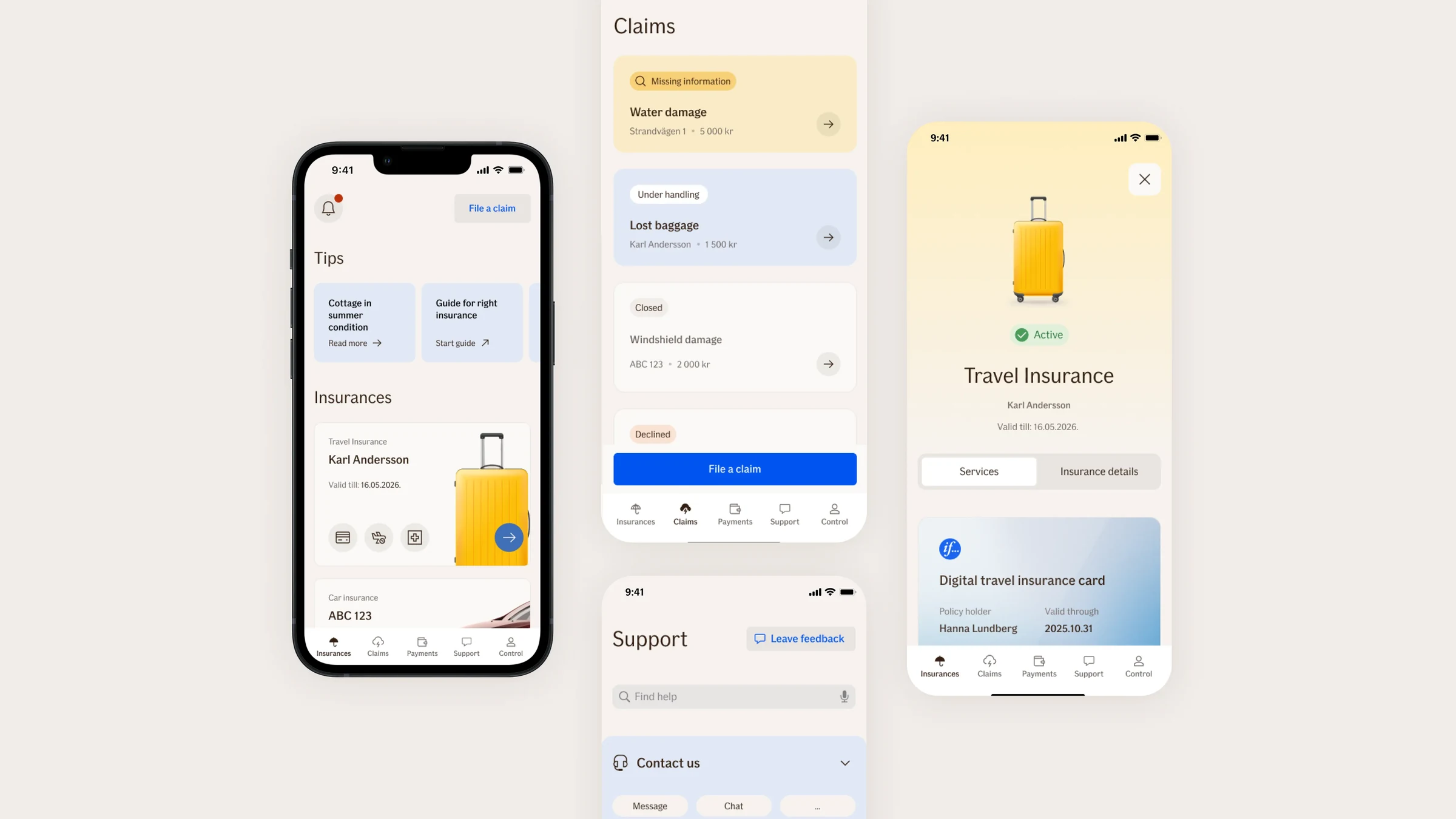
Before and after
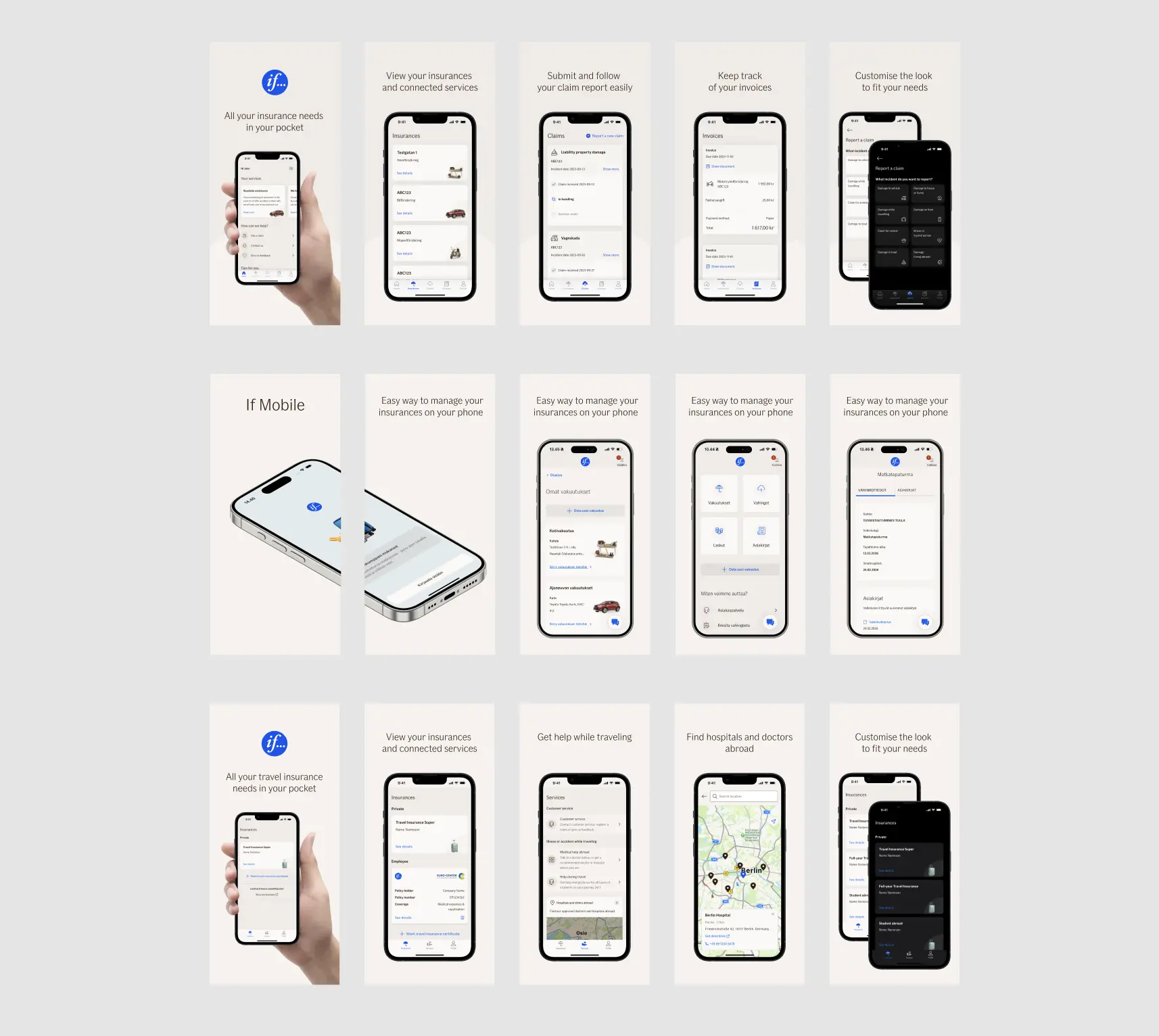
Same tasks, a new app. The structure was rebuilt around how people actually look for things, and one colour and component system now runs across iOS and Android.
Goal
An app that feels native on both platforms and lets people do the common tasks without opening the website.
Success metrics
- App Store and Google Play ratings
- Monthly active users
- Completion of key tasks
- Claims reported in the app
- Adoption of new features
- Support contacts about the app
My role
I owned the app’s design end to end: research, new features, validation, data and feedback analysis, the redesign, and the design system behind it.
I worked with a cross-functional team of POs, business developers, engineers, QA, analysts and a scrum master, some remote and some on site, mostly across the Nordics and the Baltics.
Decisions that shaped it
Fix and redesign at the same time
Customer feedback and app data decided what got fixed in the current app and what waited for the redesign. Running both at once meant customers didn’t wait a year for fixes, and every fix taught us something the redesign could use.
Rebuild the structure before the screens
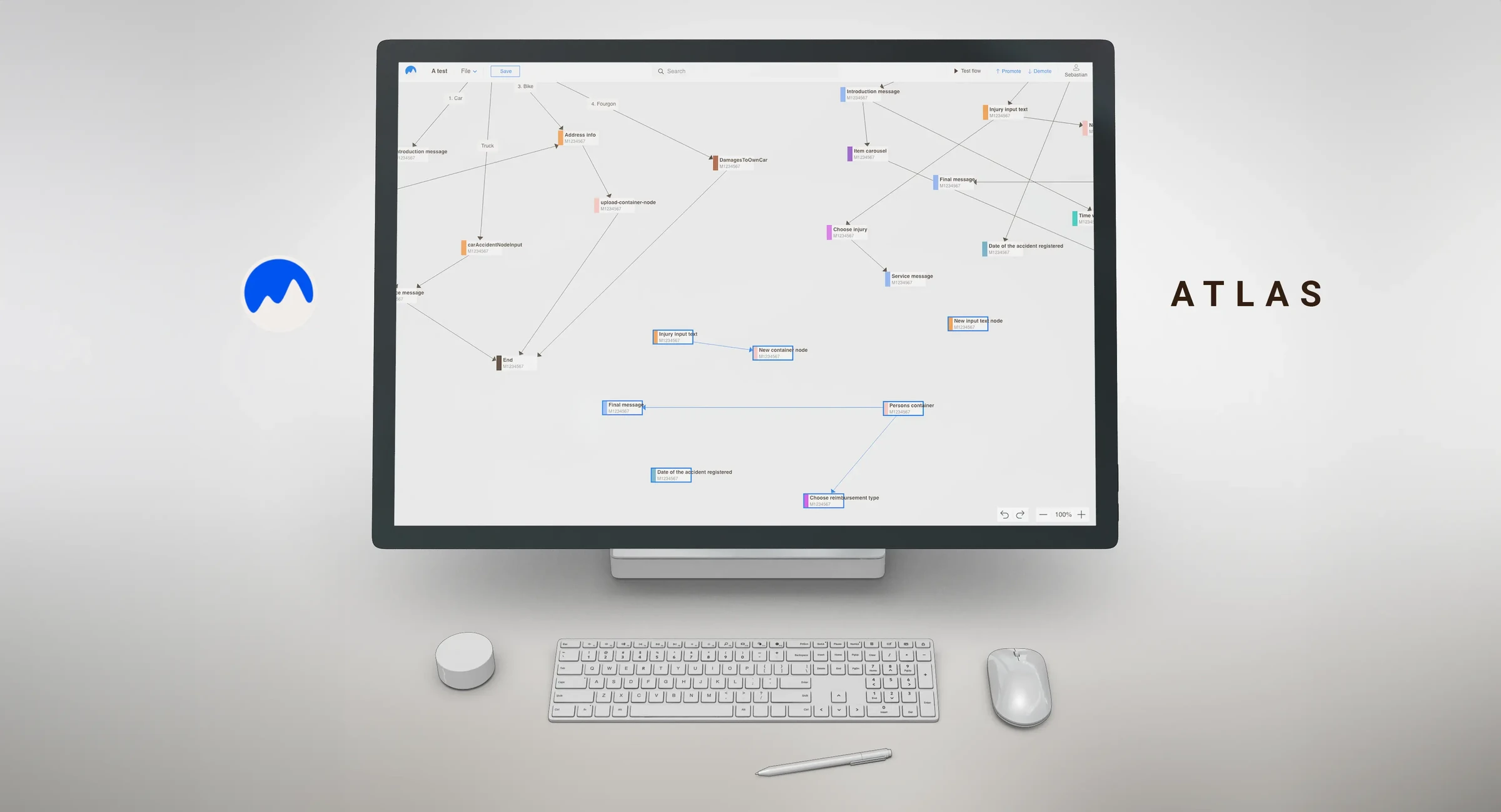
I mapped the user flows, ran interviews and card sorting tests, then reorganised the app around how people actually look for things. The most common tasks are now one tap away: insurances, claims, payments and support.
Validate first, then measure
New features were tested with users as prototypes before development, and after release, app data and customer feedback showed what to improve next.
Treat sensitive changes as sensitive
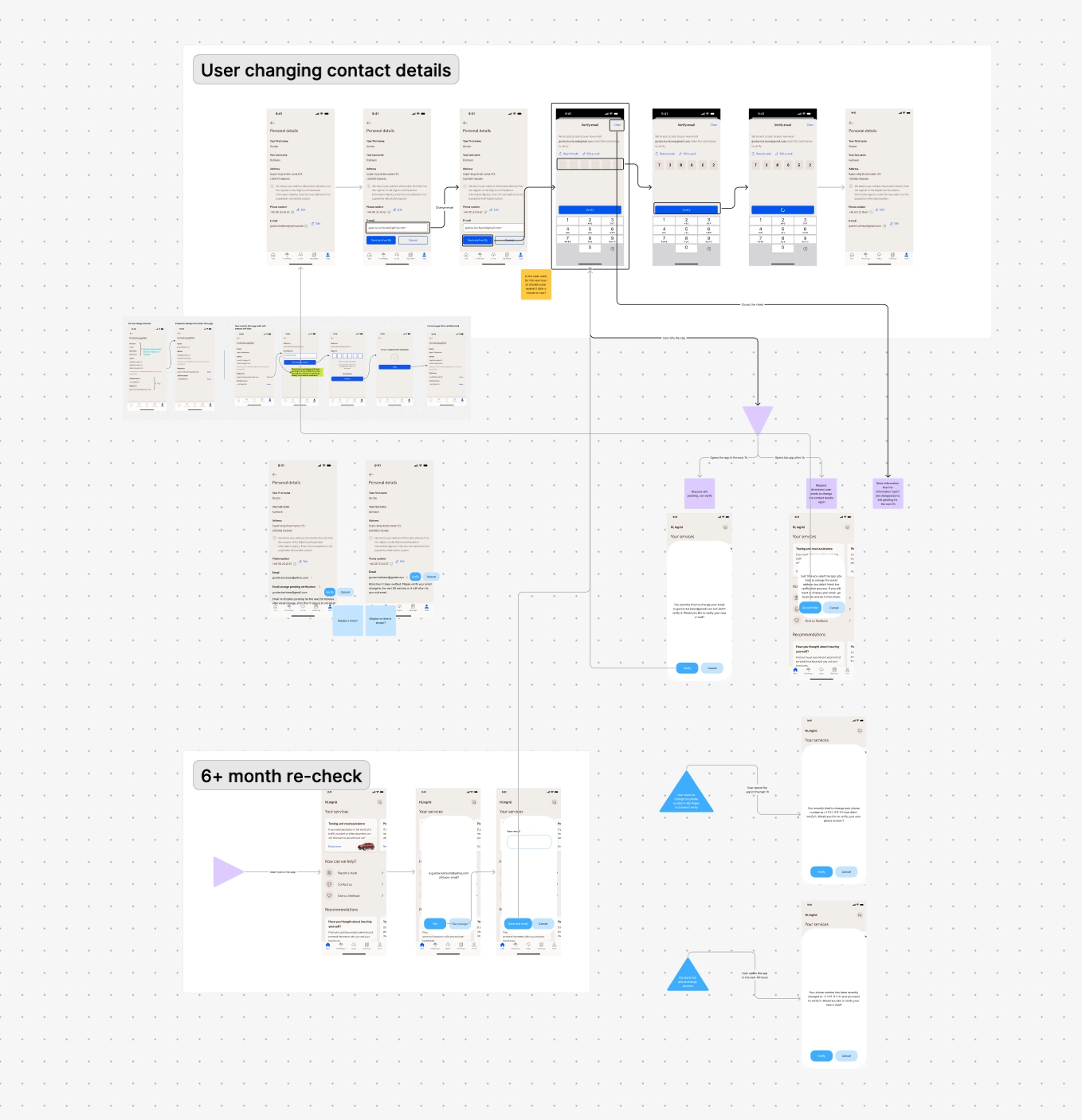
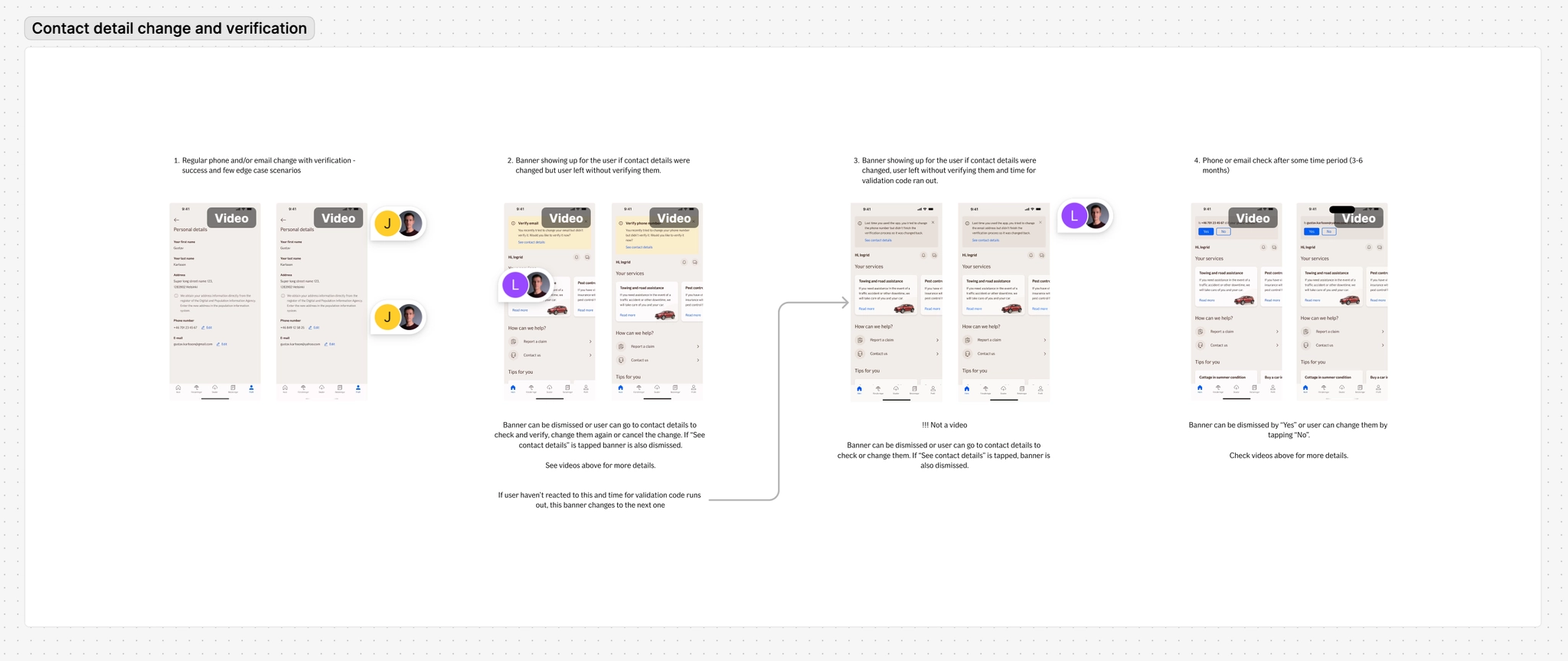
Editing contact details sounds trivial, but it’s a classic account takeover route. Every change is verified, and people are asked to re-check their details after six months, so the flow stays quick for the real owner and hard for anyone else.
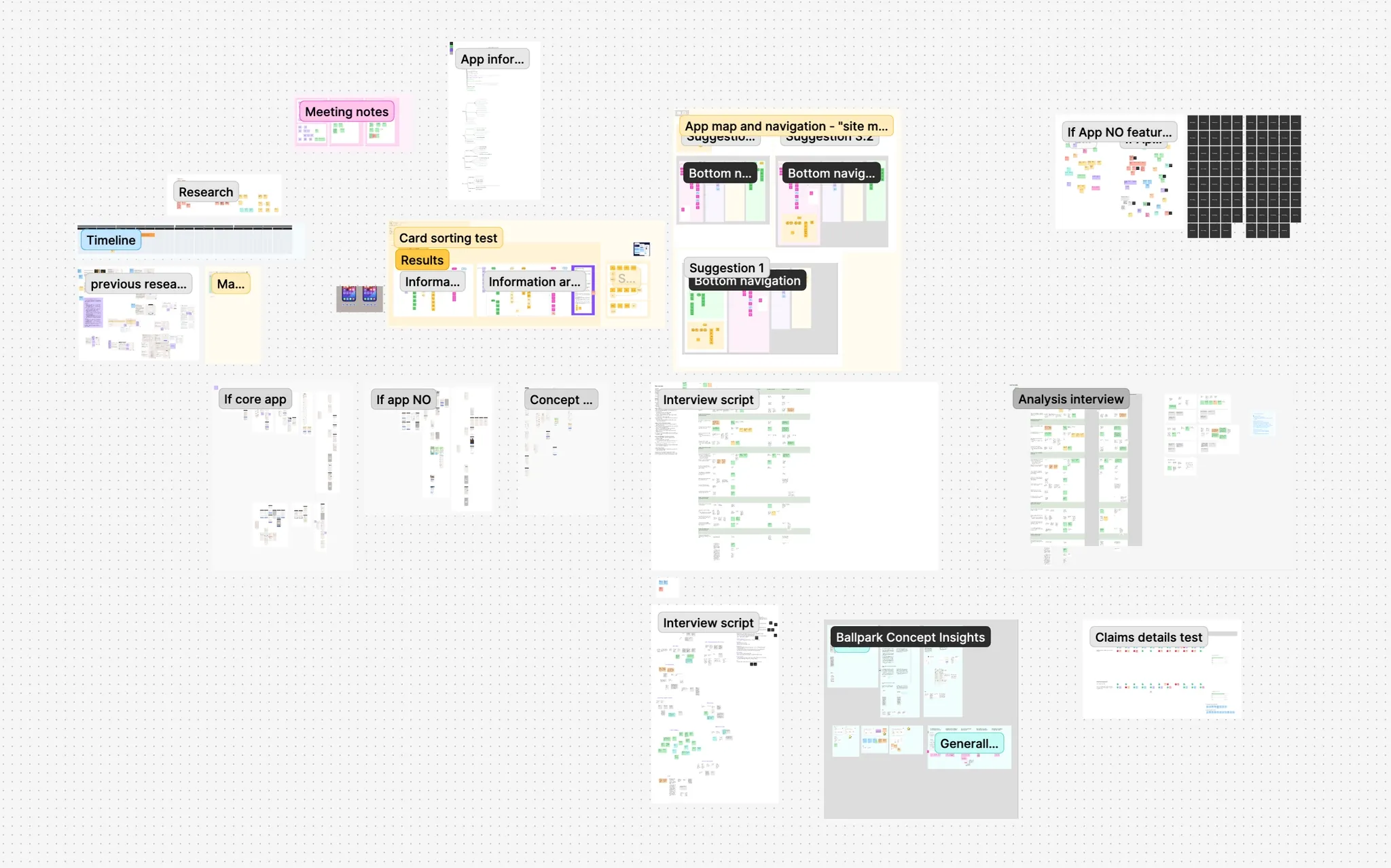
One system for every app
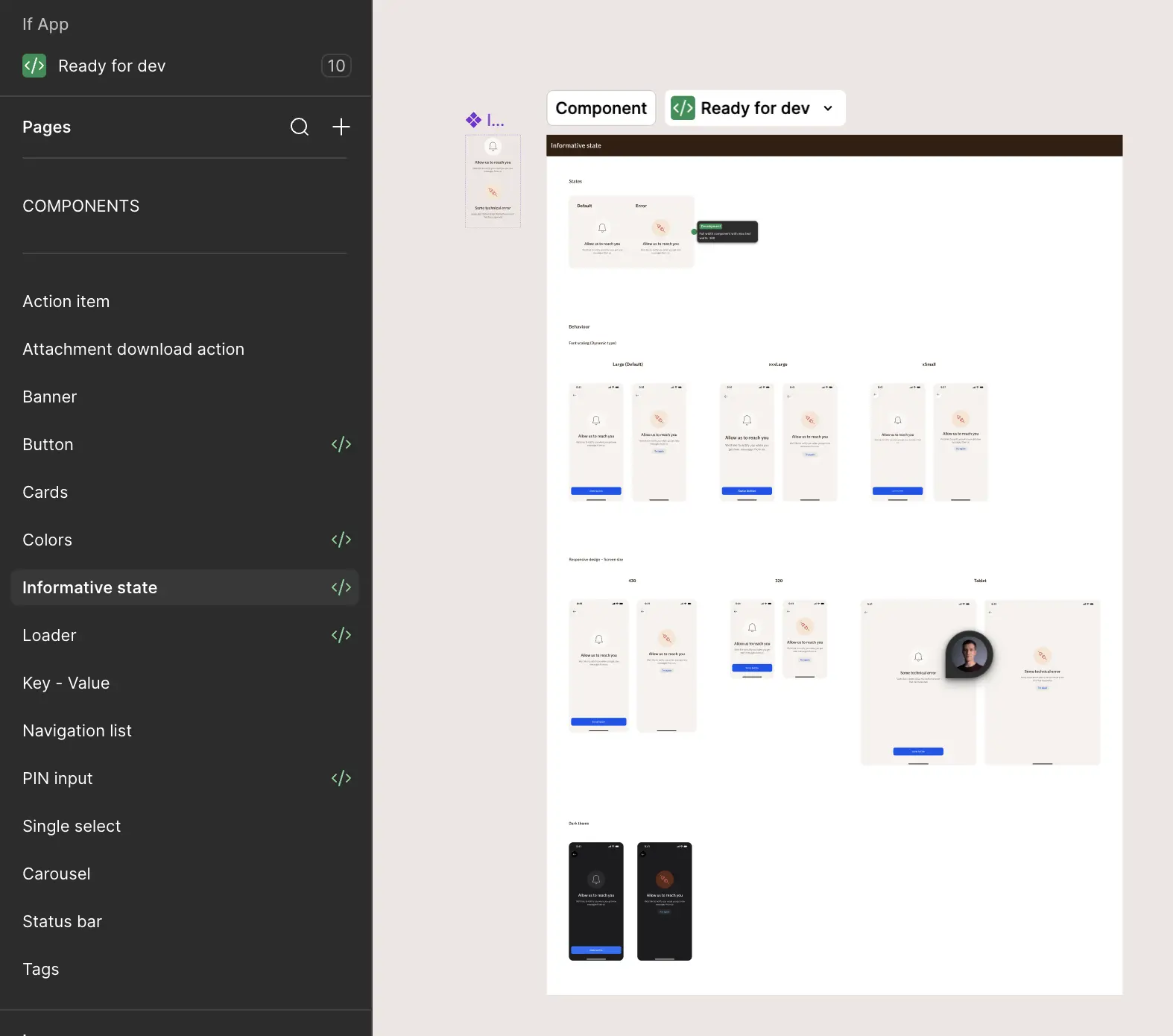
Colour variables and a component library in Figma, shared by designers and developers, so nobody designs or builds the same thing twice. Each component is built natively, in SwiftUI on iOS and with Material Design on Android, and carries the If brand on both.
The system had a harder job too. There isn’t one If app: each country has its own, with the features its business and customers need. They all share one design, so every new feature had to fit the system and still make sense in the countries that wanted it.
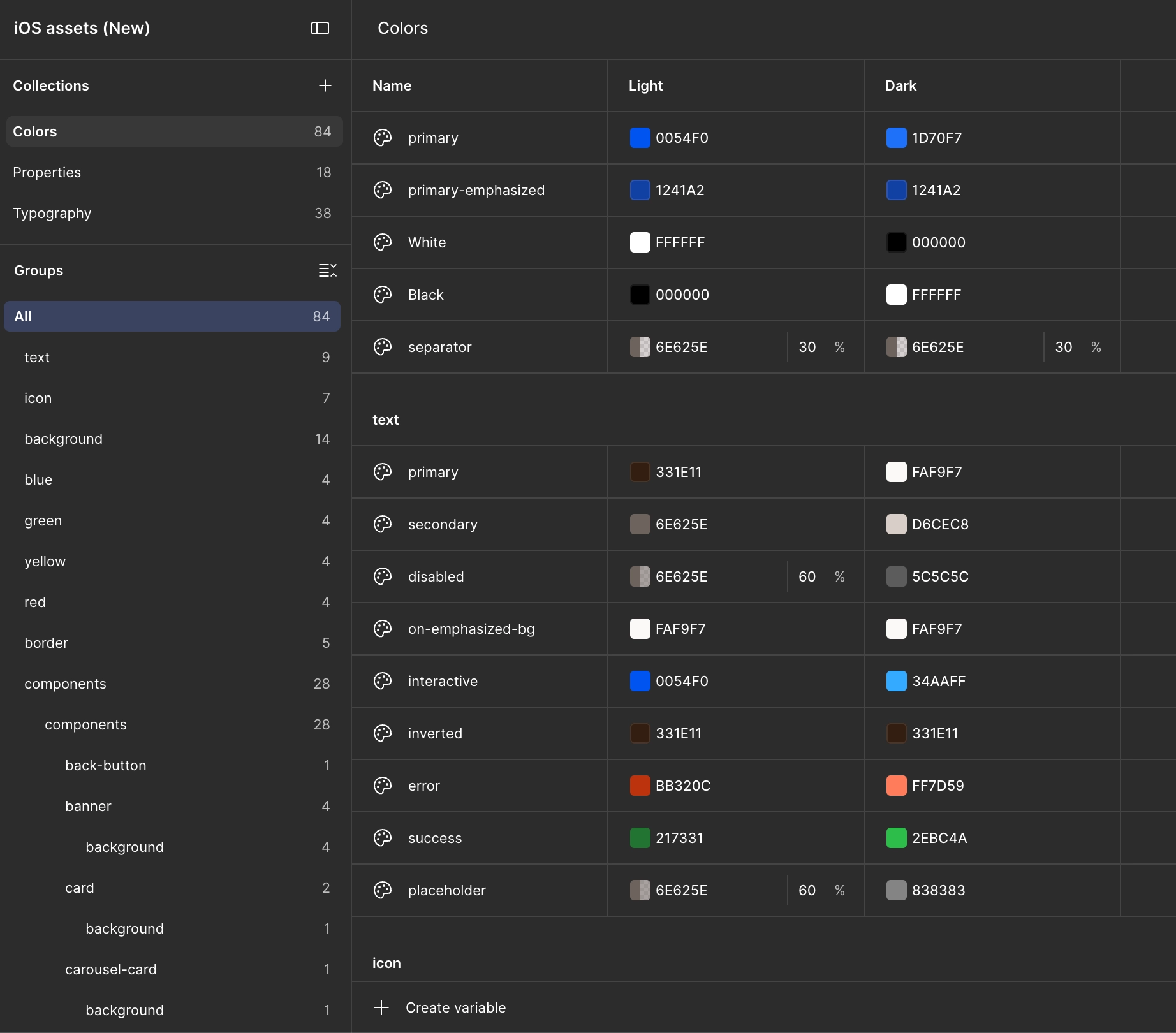
How we got there
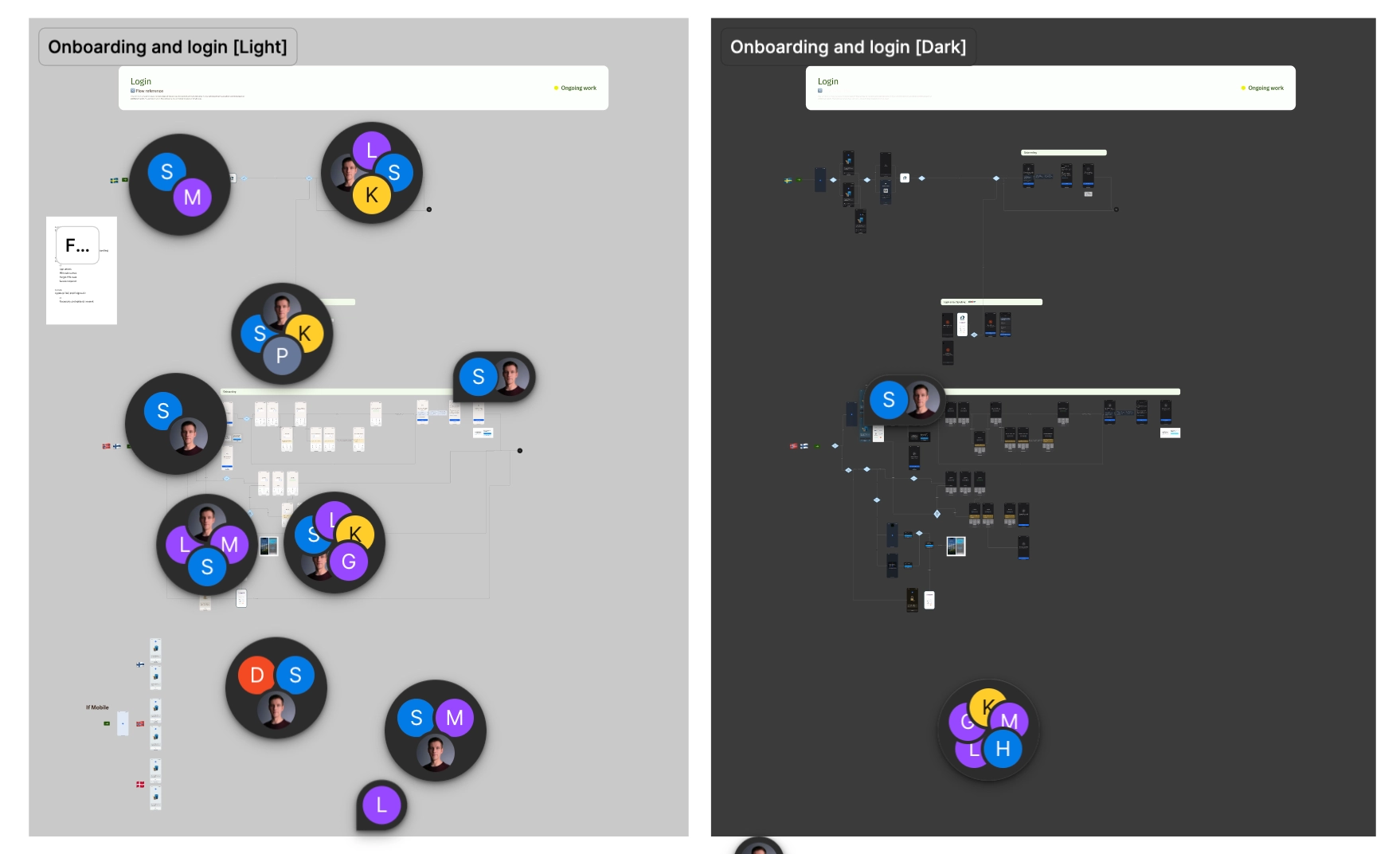
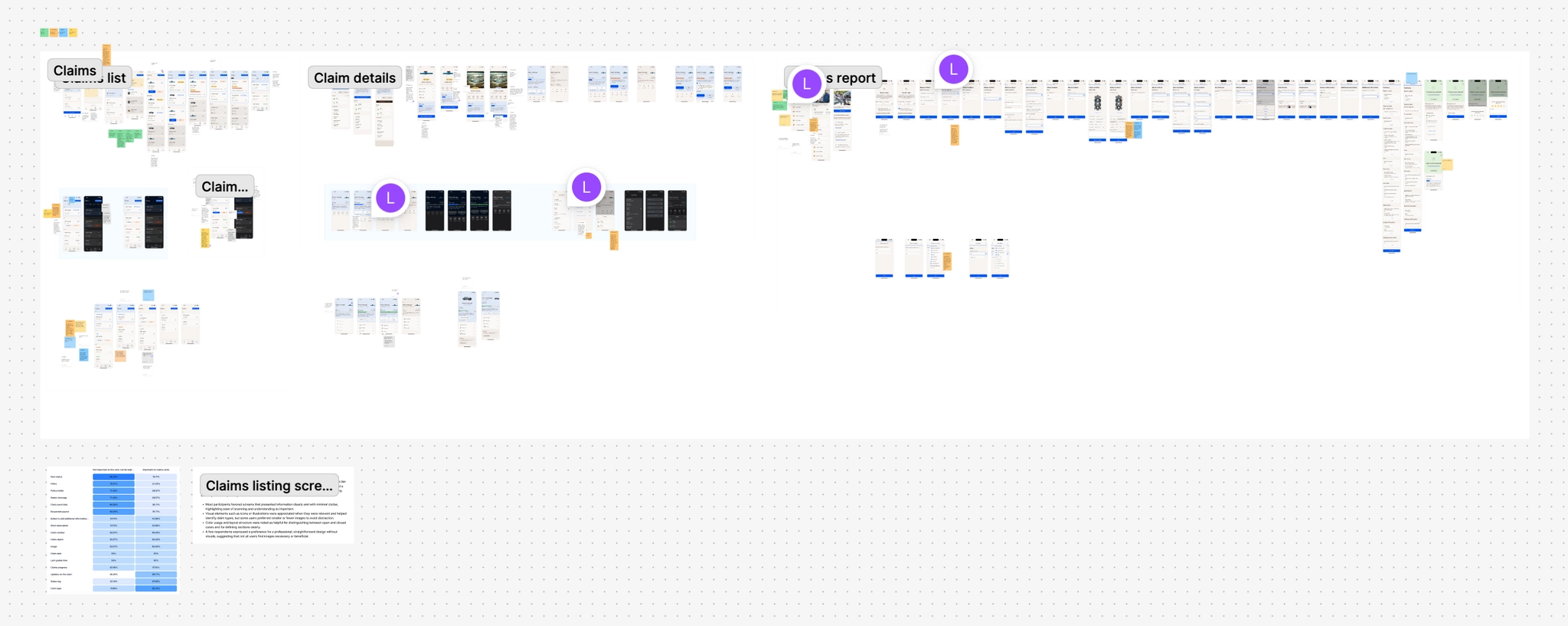
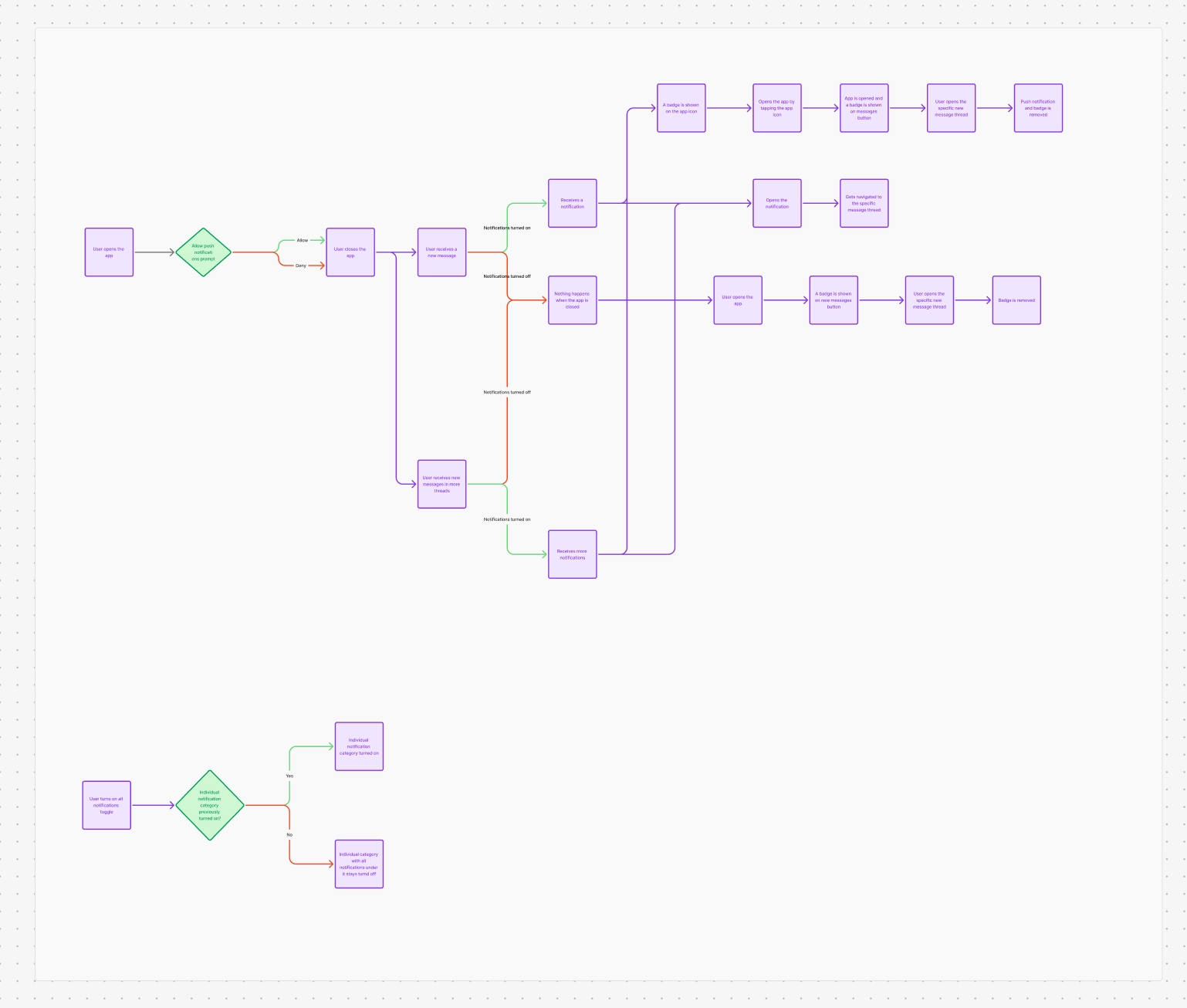
Most of the work happened in the open: flow workshops with specialists from across the company, and design reviews with the developers who would build it.
Looking back
The best investment was the system. Once the colour variables and components were in place, every new feature was faster to design and build, in every country’s app, and it looked like it belonged there.
But the system was only ever a means. The real test was whether someone could check their cover, report a claim or pay an invoice in a few taps, often on a bad day, and every decision was measured against that.